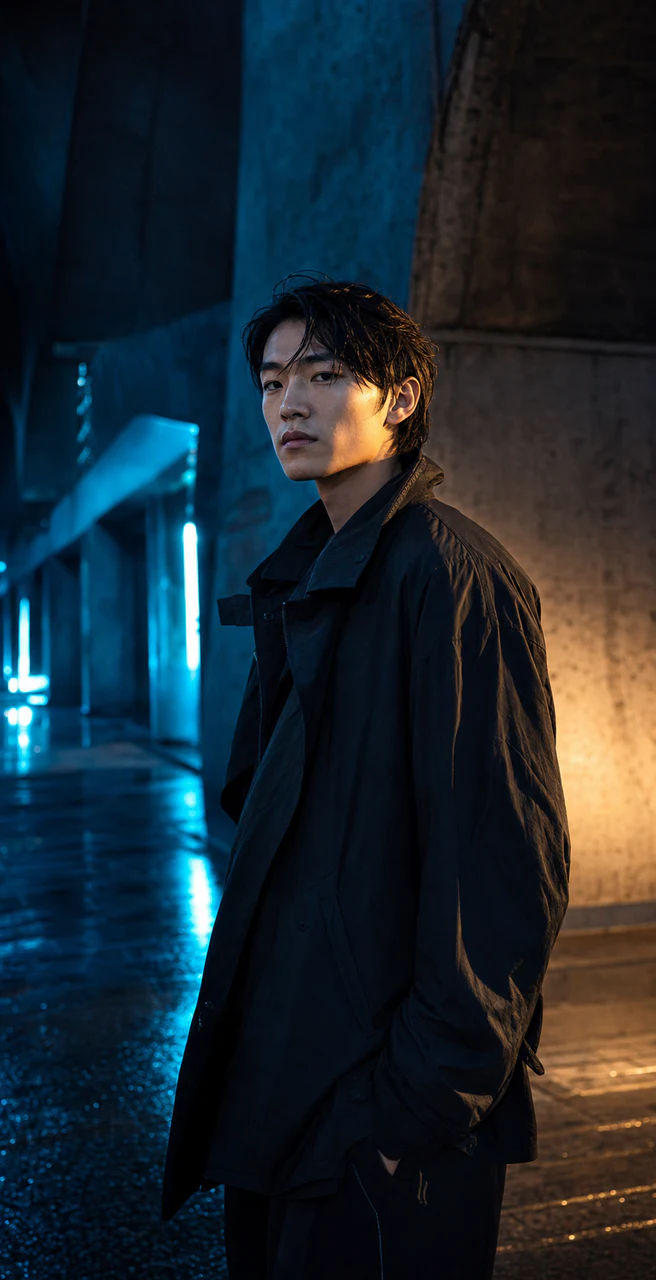
PORTRAIT / 01
Blue-hour arcade
Natural skin, rain reflections, and restrained future fashion.
OPENAI-COMPATIBLE / LOCAL-FIRST
Turn your gateway into a real image workflow.
Connect your Base URL, API key, and gpt-image-2. Plan in natural language, edit with references, run paid calls in a strict queue, and keep every version traceable.
IMAGE2 OUTPUT / 001—008
Every image below is an original generated by Image2 for this redesign, spanning commercial photography, portraits, spaces, interfaces, games, and narrative work.
Natural skin, rain reflections, and restrained future fashion.
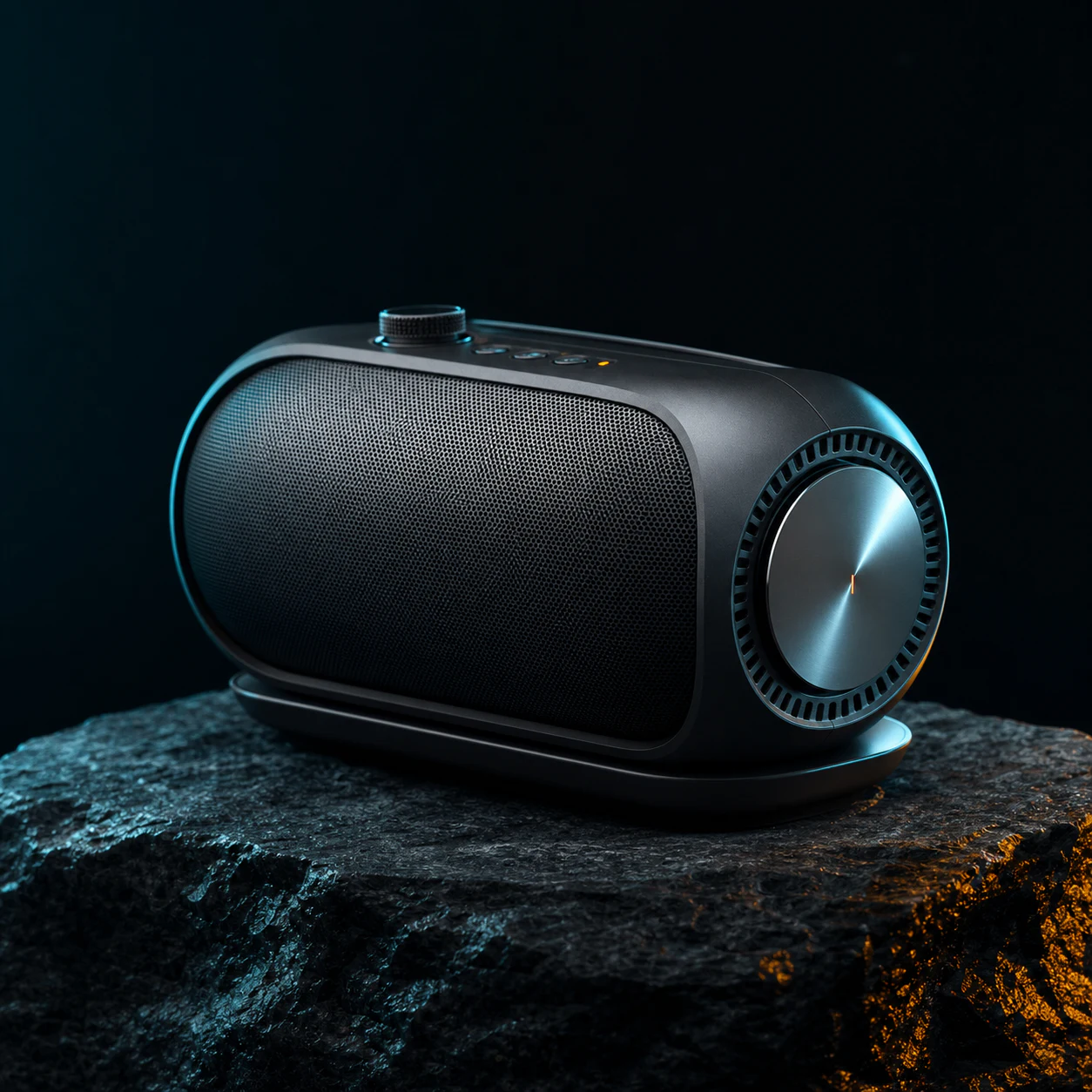
Materials, construction, and edge light that hold up close.
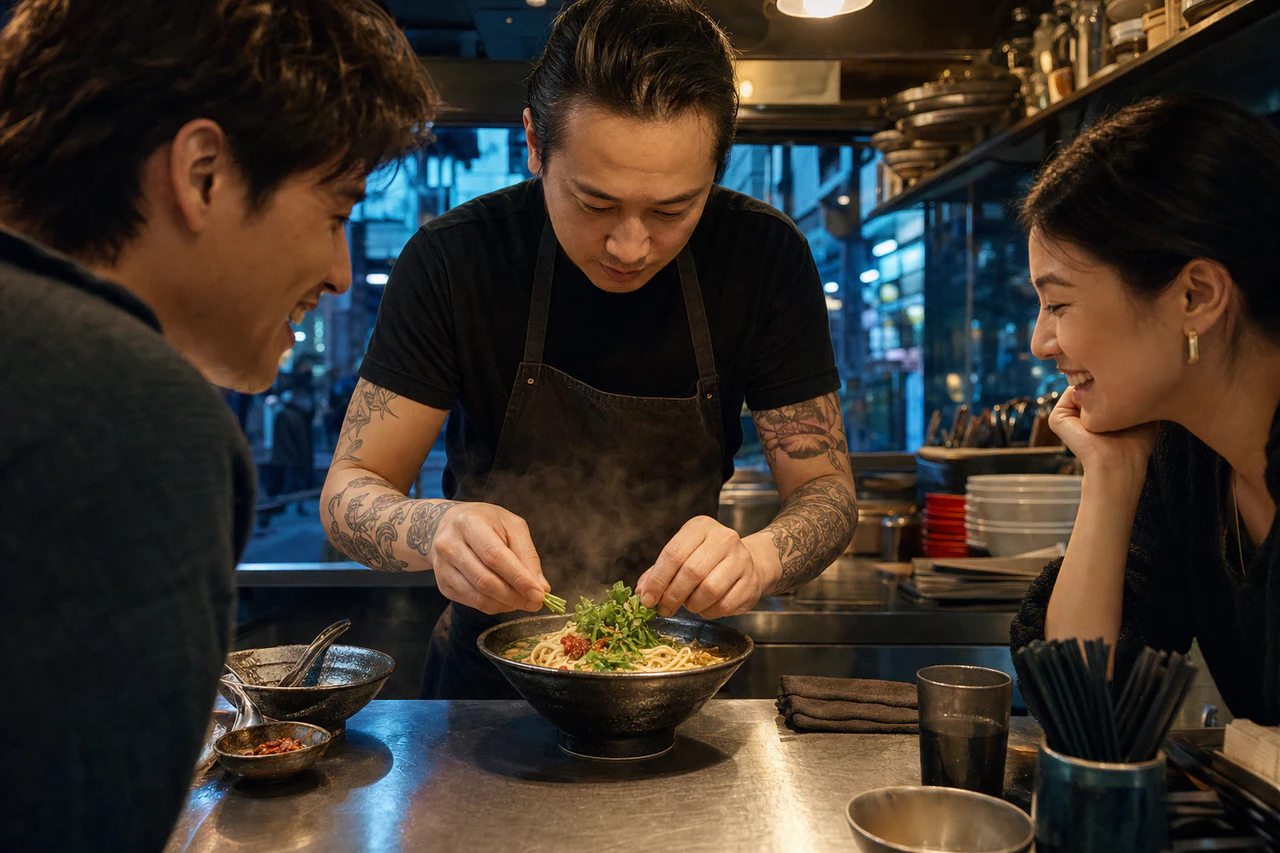
Human interaction and warm commercial food storytelling.
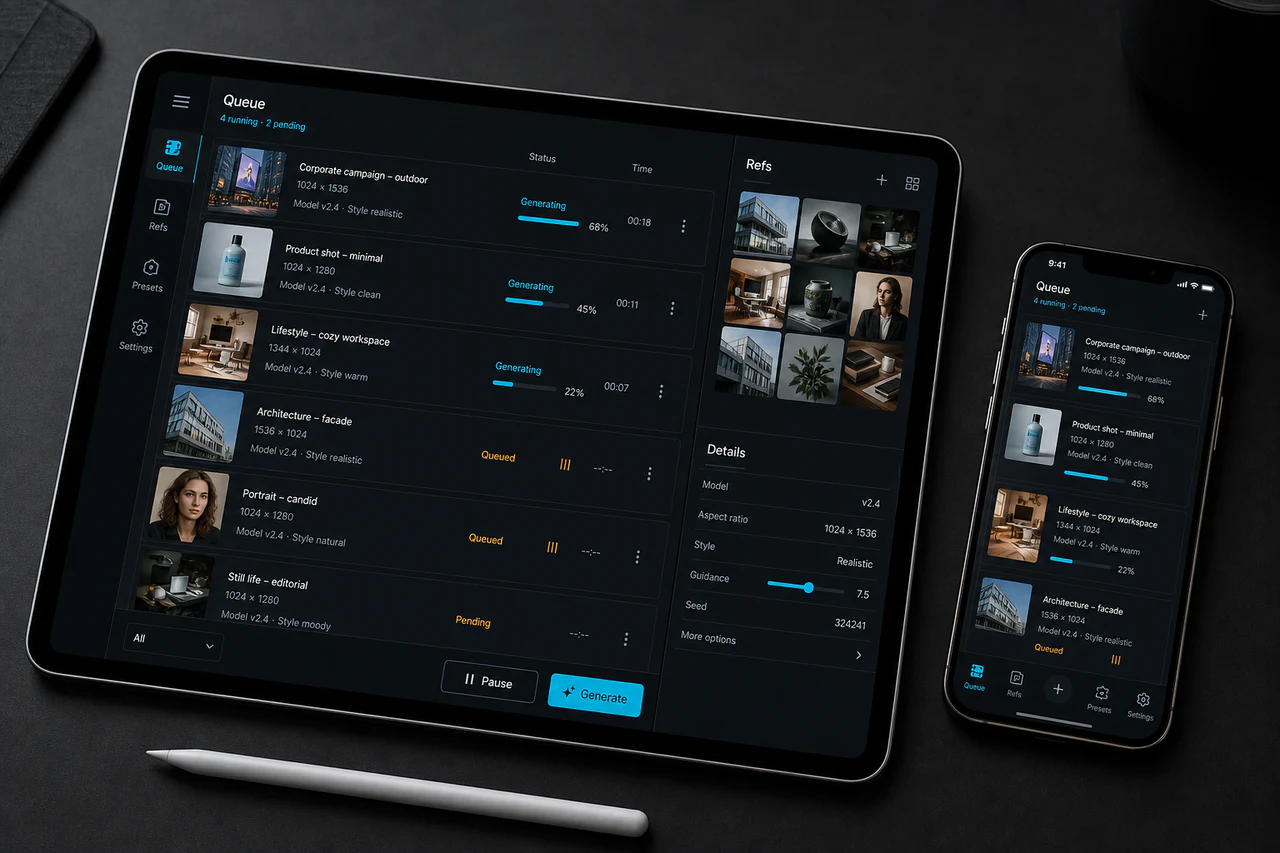
Devices, hierarchy, and system states that feel shippable.
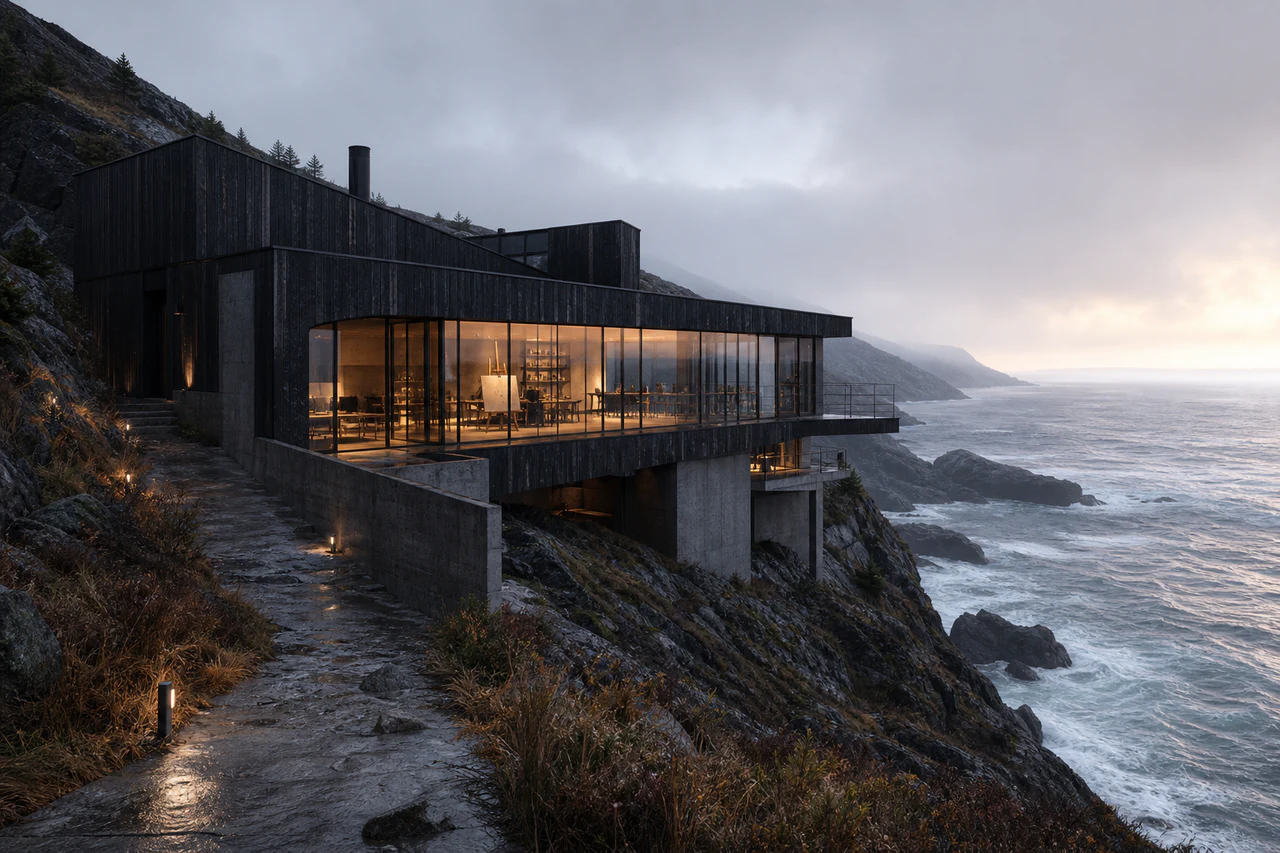
Buildable structure, weather, and warm interior light.
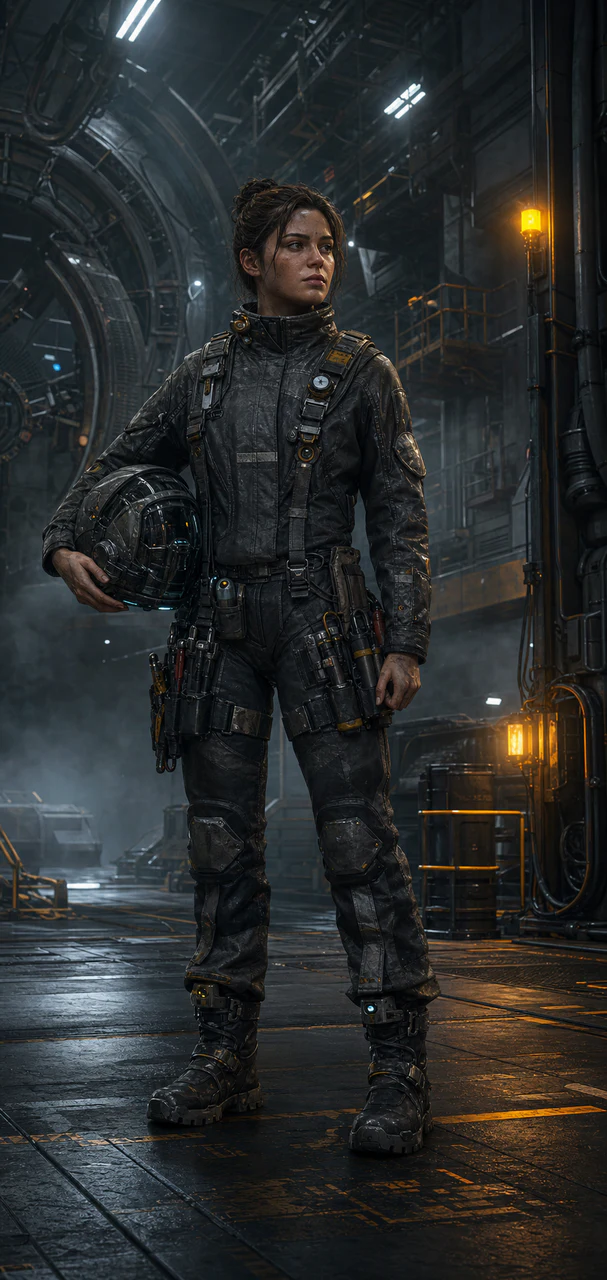
An original character, credible equipment, and an industrial world.
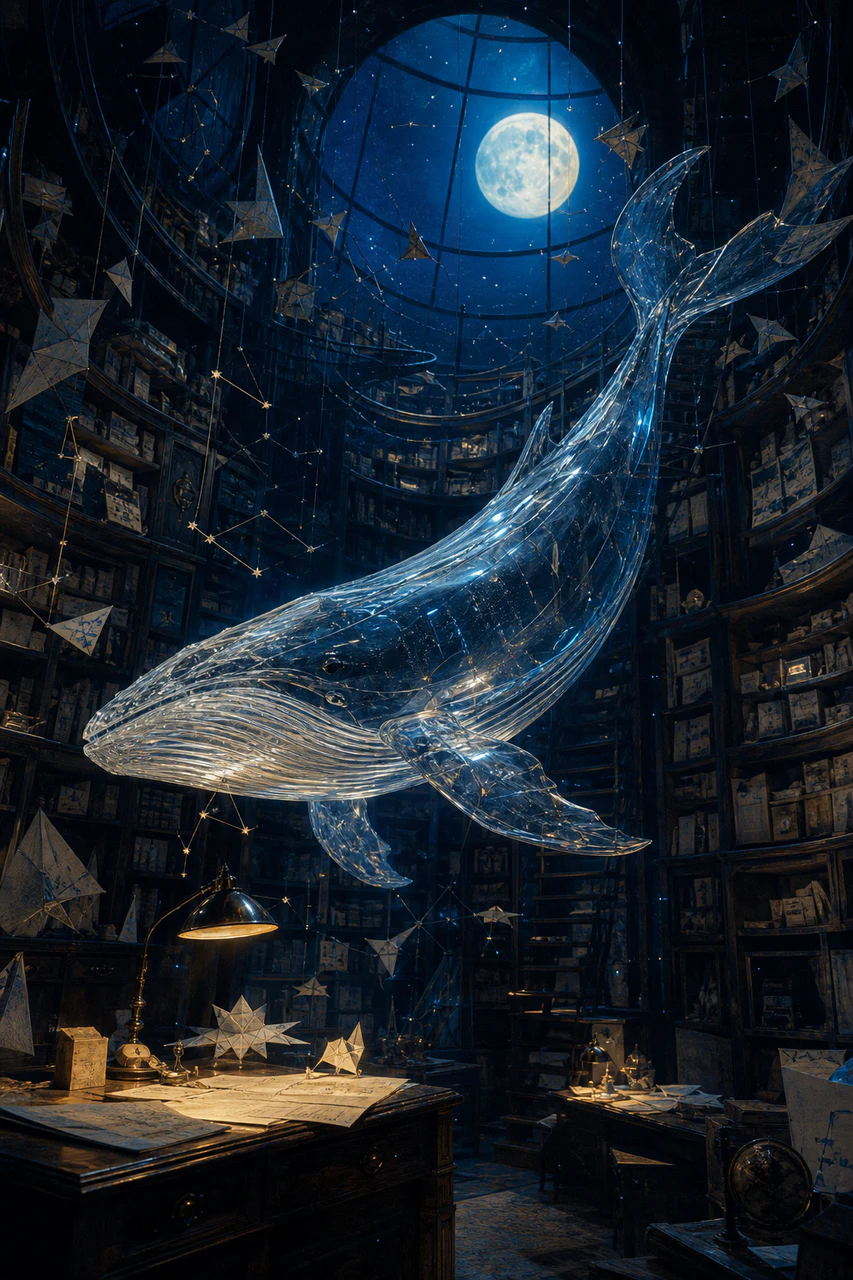
Paper, ink, and luminous material in a quiet surreal frame.
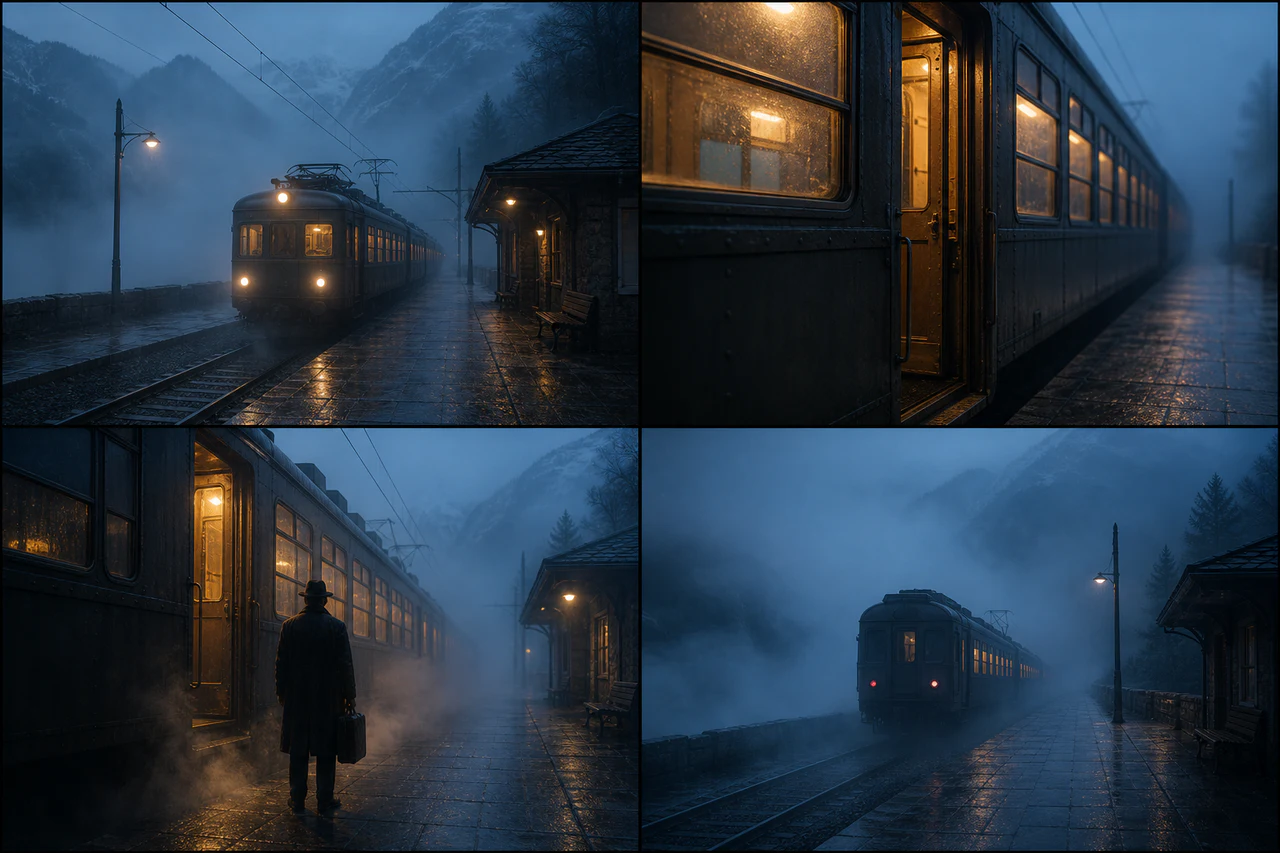
One location, coherent continuity, and a consistent camera language.
DESKTOP SYSTEM
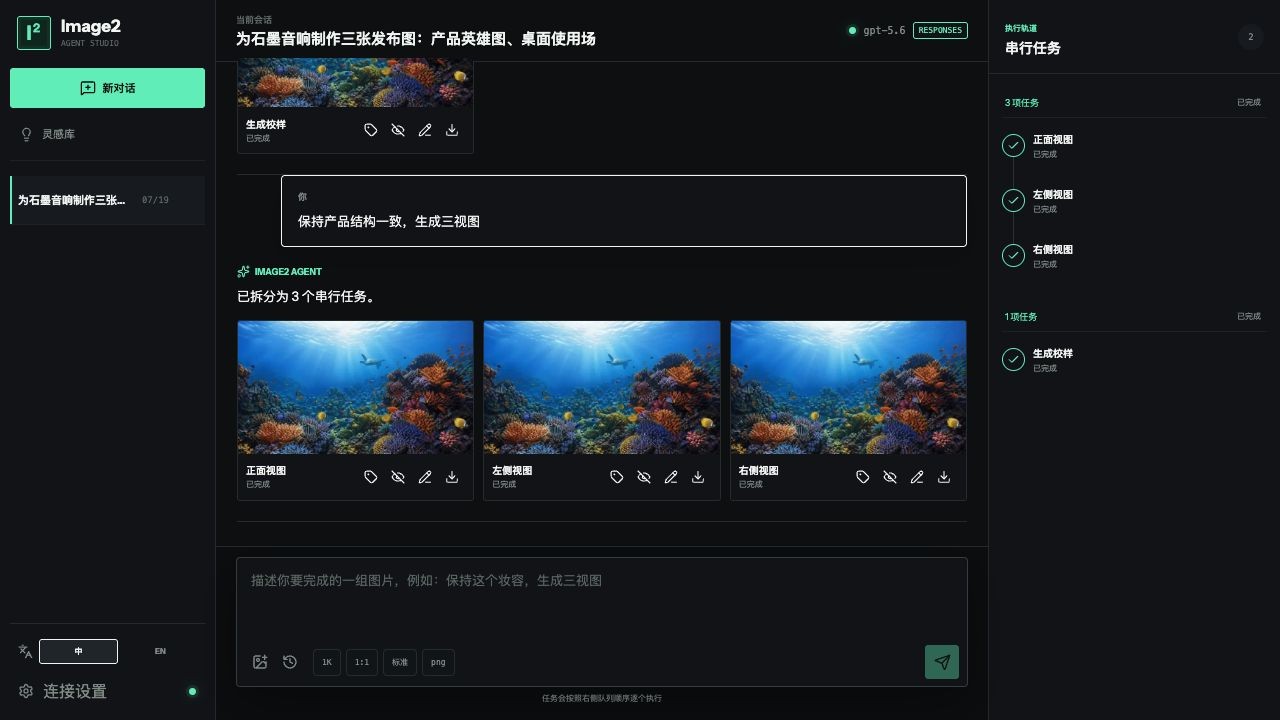
Image2 puts conversations, references, generation controls, serial tasks, and versioned results on one quiet desktop surface. Your key stays in the OS credential store; images and conversations stay local.
Enter an HTTPS Base URL and API key, choose the agent protocol, and set the agent and gpt-image-2 model names.
Assign identity, product, pose, composition, material, and style roles to references.
Every direction is its own task, with clear stop, resume, retry, and cost-control states.
Mark regions for local changes, preserve parent-child history, and branch from older results.
TASK PIPELINE
The agent understands and plans. The desktop app turns every paid call into a visible task you can stop, resume, and inspect.
One request can combine subjects, style, copy, ratio, and multiple reference images.
01Every output has a title, prompt, parameters, and explicit reference relationships.
02Only one image task runs at a time, avoiding gateway rate limits and surprise concurrency costs.
03Points, boxes, arrows, and painted regions compile into a structured edit request.
04LOCAL SECURITY
GET THE DESKTOP BUILD
Get the Windows or macOS build on GitHub, read the installation guide, or inspect the source.
Current installers are unsigned and may trigger an OS warning. Download only from this repository's Releases page.